City Car Driving Simulator 2
More games to play
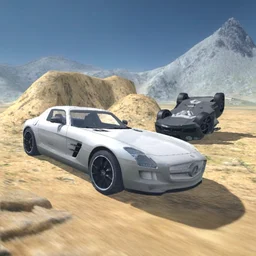 Derby Crash 23D demolition derby: ram rivals with cars, monster trucks, or a cannon tank
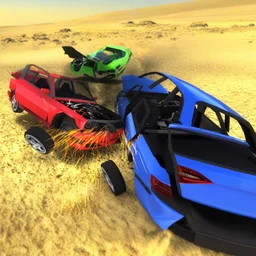 Car Crash Simulator Royale3D demolition derby where you crash cars and unlock tanks and mechs.
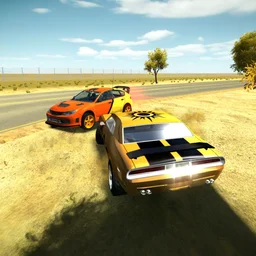 3D Car SimulatorPick a rally, police, or classic car and free-roam across 3 detailed maps.
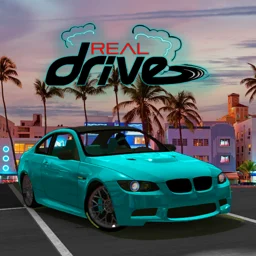 RealDriveOpen-world 3D driving sim with drift, traffic racing, and car tuning.
 Derby CrashBack to the main game
City Car Driving Simulator 2 is a free 3D driving sandbox set in a sprawling city after dark. No races, no timers: just pick a car and go wherever the street lights take you. It runs in the browser with no download and no account, so it works at school, at work, or anywhere you have a connection. Android and iOS apps are also available.
What is City Car Driving Simulator 2?
This is the second game in BoneCracker Games' City Car Driving Simulator series, released online in January 2018. The setting is a large open city map lit at night by street lamps. You choose a vehicle, set how much traffic you want on the roads, and drive freely with no objectives. The handling leans toward realistic: weight, momentum, and tyre grip all factor in, so sliding around a wet corner feels different from a sharp dry turn.
Car selection and customization
The garage has sports cars and super cars with high-power engines, plus a police car you can take out at any time. Each vehicle handles differently, so switching cars changes the feel of the whole session. Basic customization lets you adjust the look of your car before heading out.
| Vehicle type | Notes |
|---|---|
| Sports car | Good all-round handling, manageable power |
| Super car | High top speed, harder to control at the limit |
| Police car | Included in the roster, free to drive |
Steering, drifting, and slow-motion
The controls are simple to pick up. Spacebar triggers the handbrake for drifting, and F fires a nitro burst when you want a speed spike. Hold G for a slow-motion cinematic view, useful for replaying a close corner.
| Action | Key |
|---|---|
| Accelerate / brake | W/S or Up/Down arrows |
| Steer | A/D or Left/Right arrows |
| Handbrake (drift) | Space |
| Nitro | F |
| Slow-motion view | Hold G |
| Change camera | C |
Traffic and lighting settings
A traffic slider lets you dial the road density up or down before you start. Low traffic gives you open streets for speed runs; high traffic turns the city into a weaving challenge. A separate lamp control adjusts how the city lights render, which changes the mood of the drive.
Tips for getting more out of each session
- Use the handbrake through tight corners to rotate the car early, then squeeze the throttle as you straighten up.
- Tap nitro at the exit of a turn rather than mid-corner to avoid spinning out.
- Hold G at the peak of a drift to catch the moment in slow motion.
- Try the police car on a high-traffic map: the siren sounds and the contrast in handling make it a different experience.
- Switch cameras with C to find the view that helps you judge lane gaps in traffic.